

Word Puzzle
Word · Crossword
A big crossword every day in English, Sinhala and Italian: read the clue, tap the letters, fill the squares.
- Free
- No ads
- Plays offline
- Collects no data
- No account
Word Puzzle is on its way to the app stores — free, with no ads. Each button becomes a link the day the game is in that store.
Screenshots


About the game
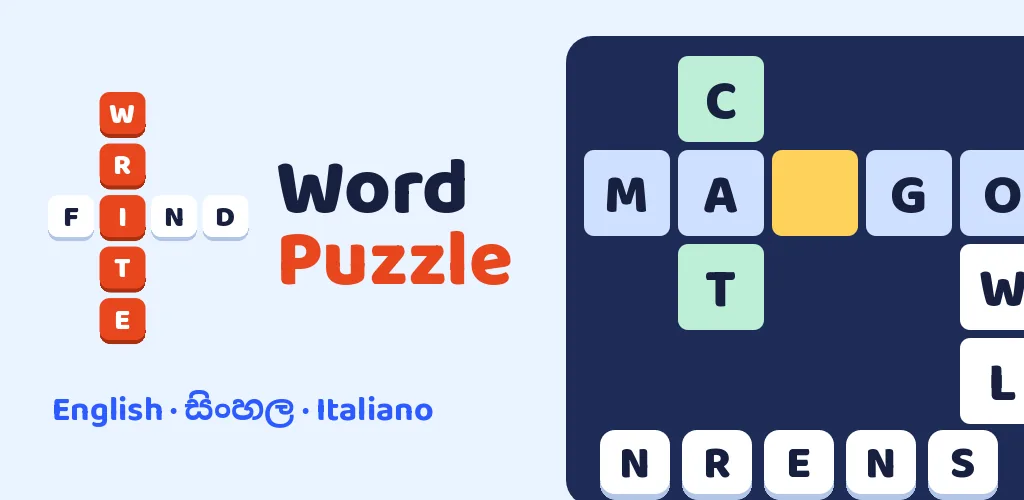
Word Puzzle: Find and Write is a crossword game in three languages, with a new puzzle every day. Read the clue, then tap the letter tiles to fill the squares. There is no keyboard to fight with: every answer comes with its own small tray of letters.
In Sinhala, each square holds a whole letter with its vowel sign, just like the crosswords in the Sunday newspaper. Every language has its own words and its own clues, written for that language, never translated square by square.
A new puzzle every day
Puzzle 1 opens on your first day, puzzle 2 the next day, and so on. Miss a day and nothing is lost: the puzzles wait for you. Each one keeps its own place, so you can leave a big one half done and come back to it.
Big puzzles
Easy has about 30 words, Medium about 80 and Hard about 150: a Hard puzzle can keep you busy for hours. Pinch to zoom, drag to move around the grid; the view follows the word you are working on.
Harder means trickier
The harder it gets, the more letter tiles you choose from and the fewer squares are filled in for you. On Hard some extra tiles repeat letters the answer really uses, so you cannot rule them out by their letter.
Free to start
Every Easy puzzle is free, and so is the first Medium and the first Hard puzzle. To keep going on Medium or Hard, unlock it once: no subscription, no ads. Purchases can be restored on a new device.
How to play
Phone and tablet
- Choose a word
- Tap one of its squares, or a clue in the list. Tap the yellow square again to switch between across and down.
- Fill it in
- Tap the letter tiles under the clue. The delete tile takes a letter back.
- Move around a big grid
- Pinch, or tap + and −, to zoom; drag to move.
- Get a hint
- The Hint button writes in one right letter (3 per puzzle on Easy, 6 on Medium, 10 on Hard).
- Go back
- The Puzzles button or the back button.
Windows — keyboard and mouse
- Fill in a letter
- Type it (only letters in the tray go in).
- Take a letter back
- Backspace.
- Next clue
- Tab (Page Up for the one before).
- Move within a word
- The arrow keys.
- Zoom and move
- The mouse wheel zooms; drag the grid to move it.
- Hint and back
- F1 for a hint, Esc to go back.
Details
| Price | Free |
| Ads | None |
| In-app purchases | Yes |
| Data collected | None — read the privacy policy |
| Internet | Not needed |
| Account | Not needed |
| Languages | English, Sinhala, and Italian |
| Platforms | Android · iPhone and iPad · Windows |
| Version | 1.0.0 |
| Developer | Nugezza Developer |
Questions
Where can I get Word Puzzle?
Is Word Puzzle free?
How do the daily puzzles work?
Do I need the internet to play?
I bought an unlock on another phone. How do I get it back?
Where is my progress kept?
Is it suitable for children?
Which languages is it in?
Questions about Word Puzzle?
Chat with us now or send a message — the people who made it will answer.